

How to Register for Volunteer Shifts
 So, you've made an account, but how do you register for volunteer shifts? These step by step instructions will show you how to sign up!
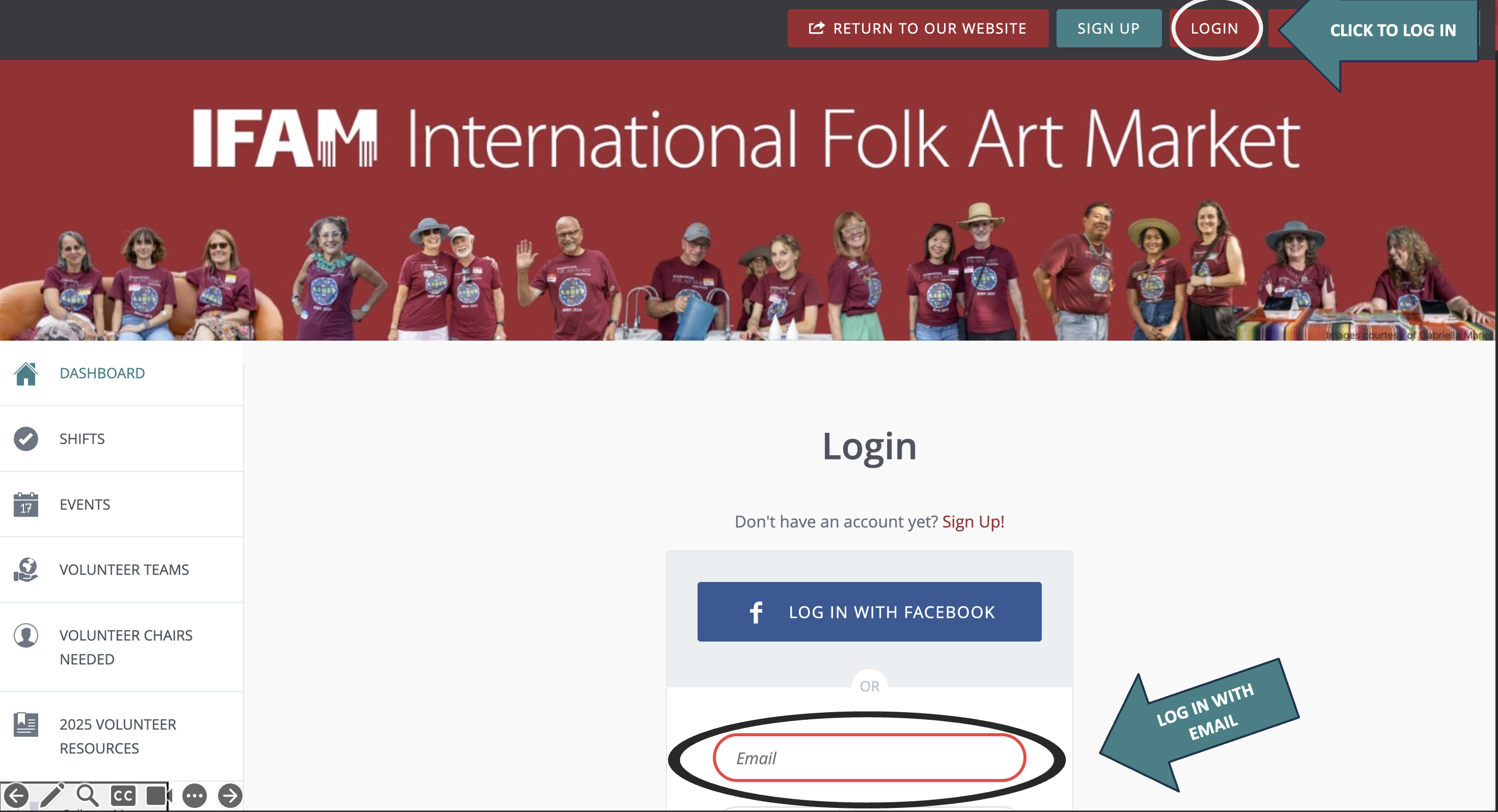
Step 1: Login to you account by clicking "LOGIN" in the upper right menu. Scroll down and login with your email and password.
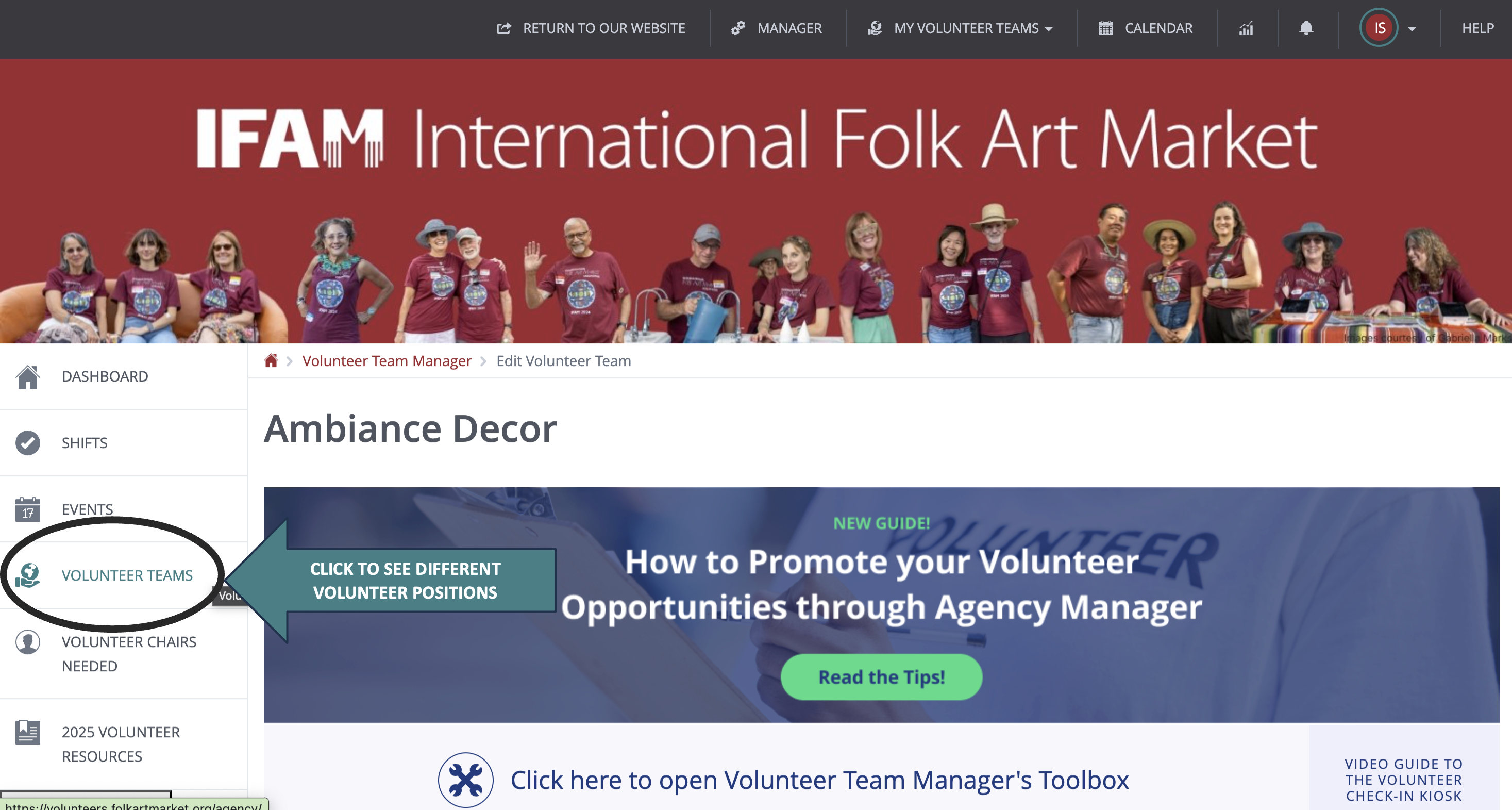
Step 2: Click "VOLUNTEER TEAMS" on the left vertical menu to explore all 40+ volunteer teams.
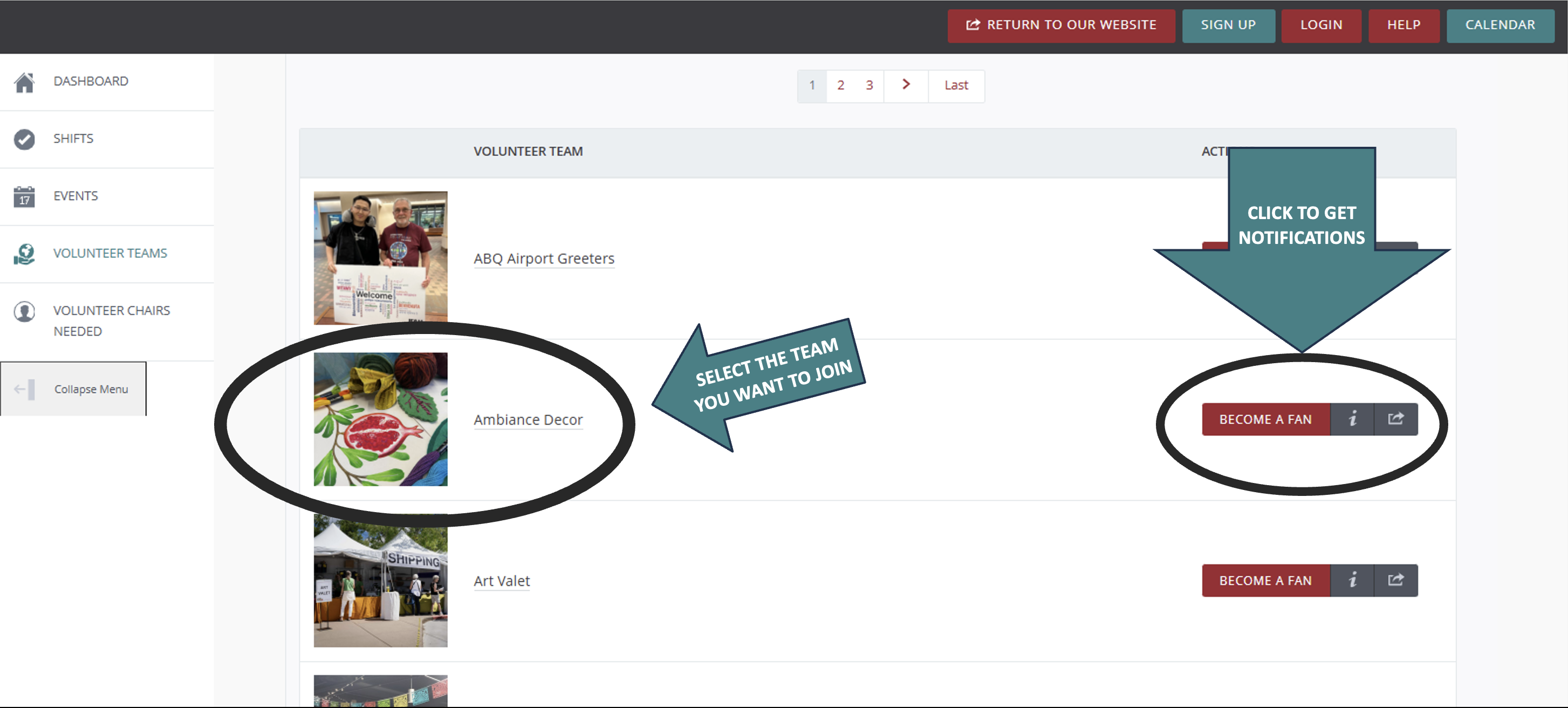
Step 3: Select the team you want to join. You can also click "BECOME A FAN" to get notifications for a given team.
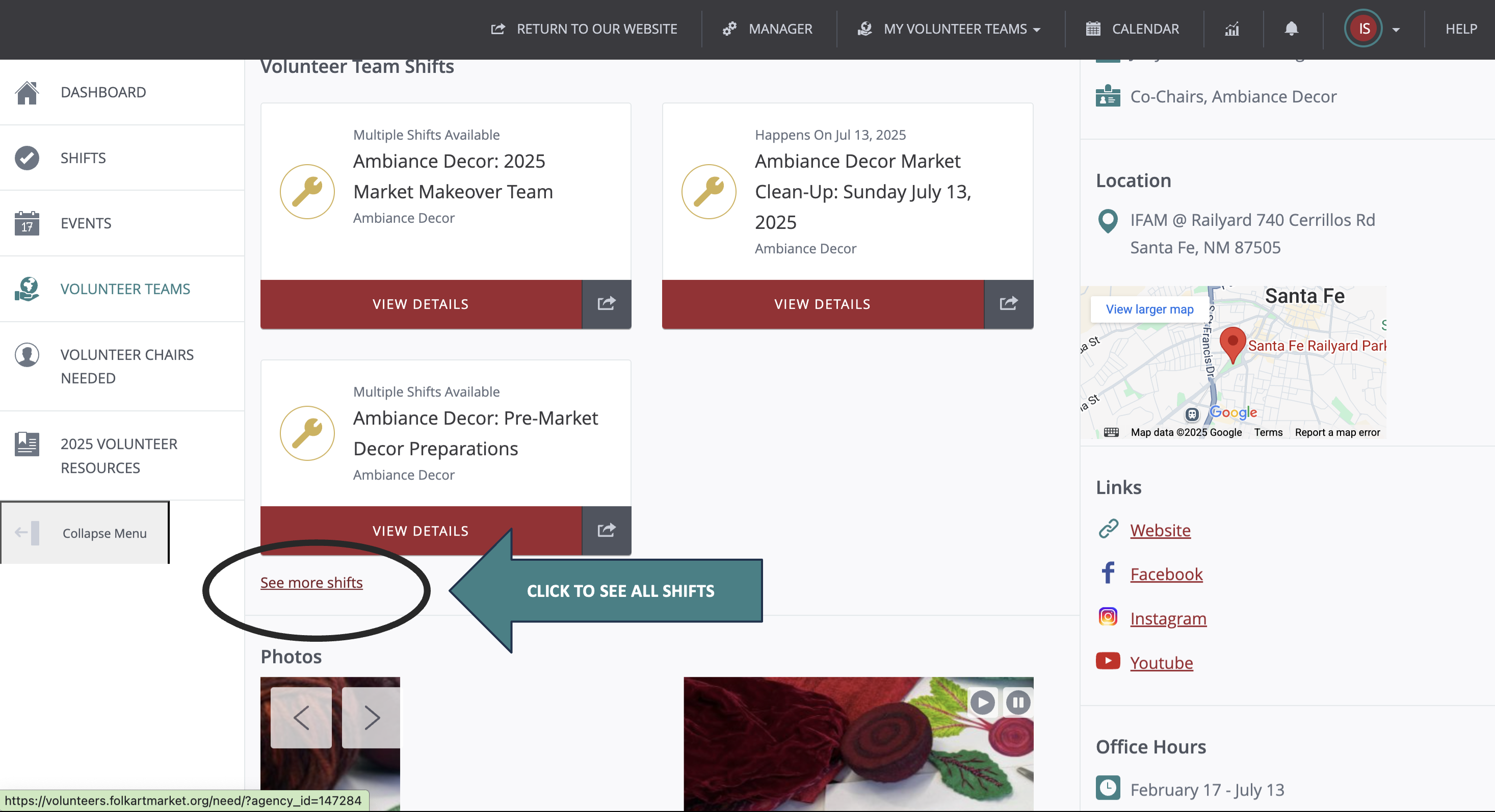
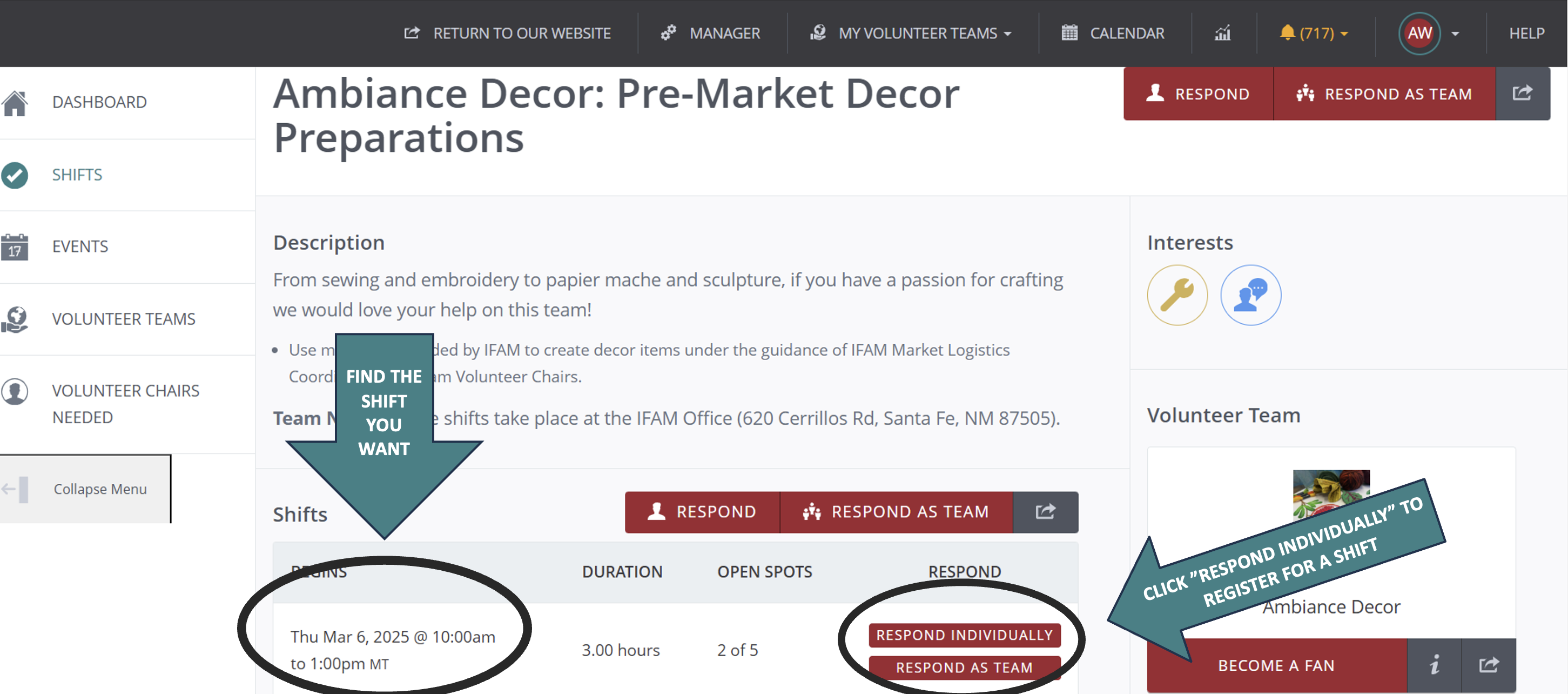
Step 4: Scroll past the team description to "Volunteer Team Shifts". Here, you can click a shift that interests you, or click "See more shifts" at the bottom of the section to see all shifts for that team.
Step 5: Click the day you would like to volunteer to see shifts organized by their time. Click "RESPOND INDIVIDUALLY" to register for the shift. You may also see "WAITLIST" if the volunteer shift is filled up and you can sign up to be notified if someone unregisters from a shift.
A pop-up will appear inviting you to add it to an online calendar. You will also receive an email notifying you of each shift you sign up for.
To check which volunteer shifts you have registered for:
- Once you are logged in, click on your initials in the upper right hand corner of the page
- From the dropdown menu, select "Shift Responses". This will bring up a list of all your volunteer shifts, past and future
- If you want to alter any shift, find the "Options" tab on the right hand side of each shift and click "Select an Action"
- If you are no longer able to make your shift, select "Unregister"
Click here to download a PowerPoint presentation with the information above.